Create a Master-Detail Report
This document will guide you through the process of creating a master-detail report. Reports of this type are built upon hierarchical data sources, so to be able to create a master-detail report, you need to provide a report data source with a master-detail relation.
To get started with this tutorial, create a new Snap document and add a master-detail relation to it.
Perform the following steps to create a master-detail report.
-
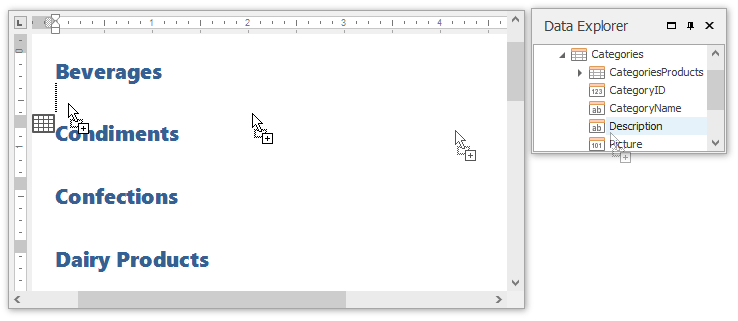
Create a master report. To do this, drag-and-drop data fields of the master data table from the Data Explorer to the design surface. You can use any type of layout.
-
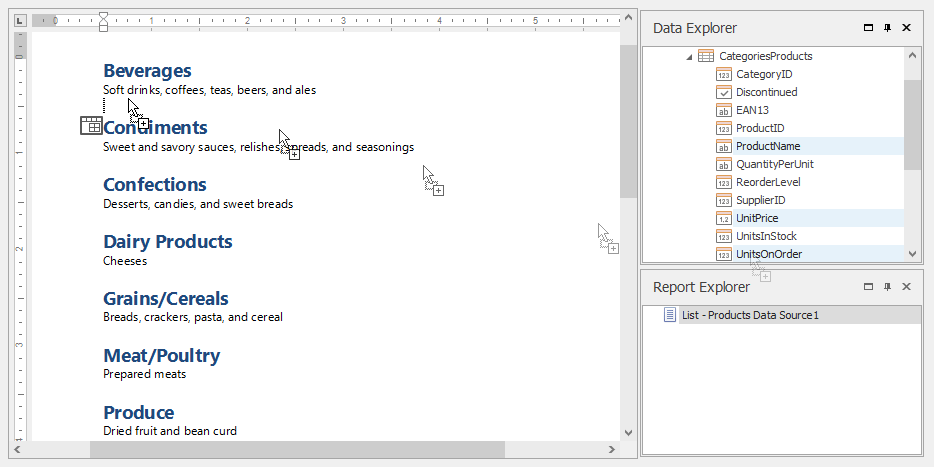
To create a detail report, drag-and-drop data fields of the detail data table from the Data Explorer onto the lower border of the master report’s data row, as shown in the image below.
-
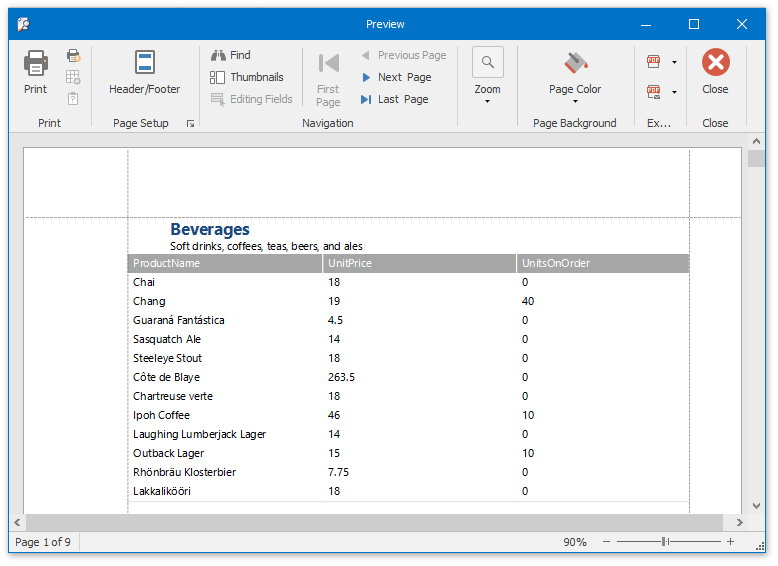
The master-detail report is now ready. Click the Print Preview button in the General Tools: File tab of the main toolbar to view the preview.