Open Reports
You can use different commands to open a report. The Open dialog displays saved report files with the REPX extension. These files store information about the report’s layout. Select a report file and press Open.
Use the Ribbon Application Menu
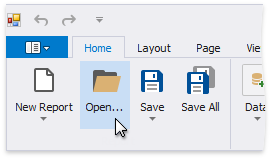
Click Open….
Use the Ribbon Application Menu
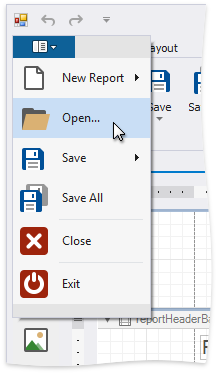
Click the application button and then Open… in the invoked application menu.
Use a Shortcut
You can also use the CTRL+O shortcut to open a report.