Batch Editing
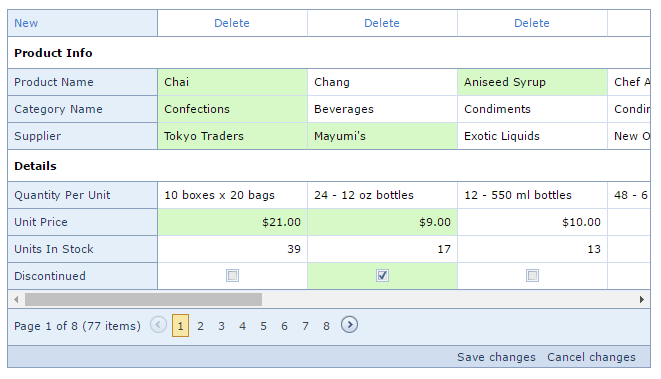
The Vertical Grid allows you to edit a group of records (on a single page) and save these changes with one click. In this view, you can create new records, delete existing records and edit individual cell values.
- To create a new record, click the New button and specify the field values.
- To delete a record, click the Delete button in the record to be deleted.
- To recover a deleted record, click the Recover button in the record to be recovered.
- To edit a cell value, click (or double-click) the cell and edit the value.
To navigate through grid cells during batch editing, use TAB and SHIFT+TAB to move focus forward and backward.
The cells that were modified are highlighted in a different color. To save all changes, click the Save changes button. To cancel all changes, click the Cancel changes button.
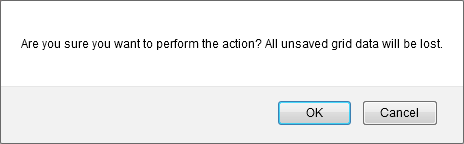
If the Vertical Grid contains unsaved data, a confirmation message is displayed before the data is lost (e.g., when sorting data, changing the page or closing a web page). You can choose whether to proceed and lose changes or cancel the action.