Header Filter
Use the Header Filter to filter tree list data against a column.
Click a filter button to invoke the filter dropdown which lists unique values within a column.
If the dropdown displays checkboxes, select the required values, and click OK to apply the filter criteria.
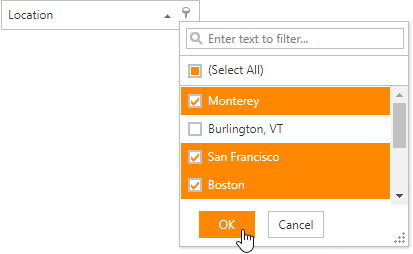
If the dropdown displays its items as a regular list, click the value to apply the filter criteria.
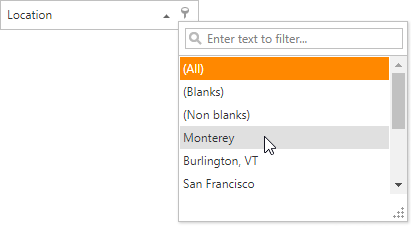
If filtering is applied, the tree list displays only values that match the filter criteria. To remove the filter, click (All) in the dropdown.