Creating Complex Filter Criteria with the Filter Control
To build complex filter criteria with an unlimited number of filter conditions, combined by logical operators, use the built-in Filter Control.
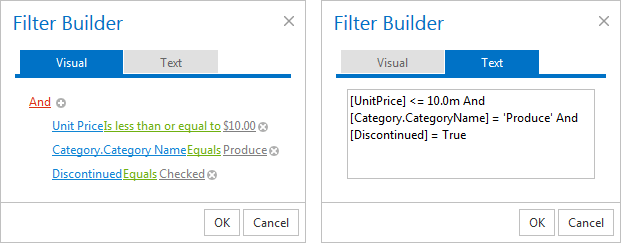
Open the Filter Control using one of the following:
-
Click the filter image in the filter bar.
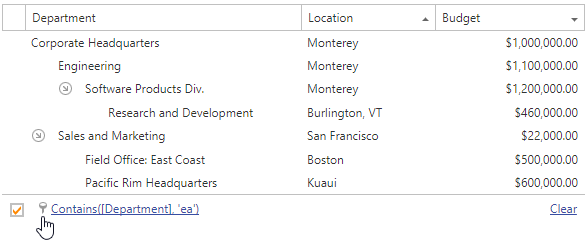
-
Click the filter expression link in the filter bar.
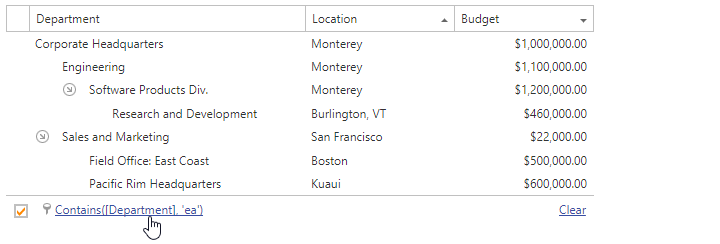
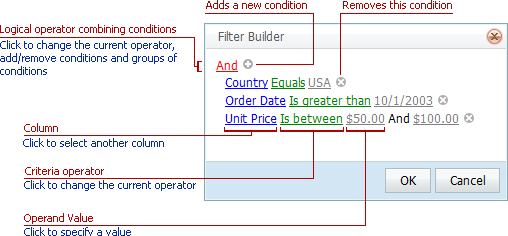
Use the  and
and  buttons embedded into the control to create and customize the filter criteria:
Remarks
A filter condition group is a set of conditions combined by a logical operator. The following filter expression contains two groups combined by the logical OR operator: “(Country Equals ‘UK’ And Category Equals ‘Beverages’) Or (Country Equals ‘USA’ And Category Equals ‘Produce’)”.
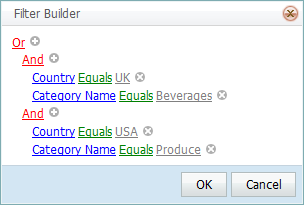
Refer to the Filter Editor topic for more information.