Copy and Paste Cell Content
The Spreadsheet allows you to copy and paste entire cells, or only their contents, using the Clipboard.
[!NOTE] Note that you can use Clipboard only in IE. For other browsers, use the keyboard shortcuts Ctrl+C, Ctrl+X and Ctrl+V to copy, cut and paste respectively.
To move or copy cell content, follow the steps below.
- Select the cells that you wish to move or copy.
- In the Clipboard group within the Home tab, do one of the following.
-
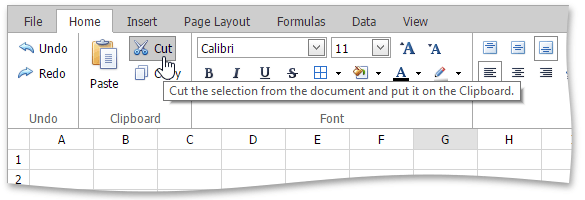
To move the selected cells, click the Cut button (or press CTRL+X or SHIFT+DELETE).
-
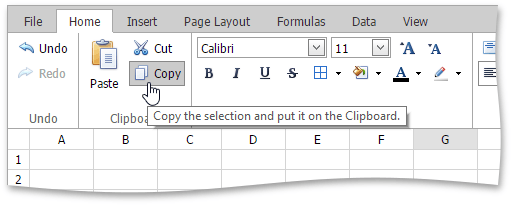
To copy the selected cells, click the Copy button (or press CTRL+C or CTRL+INSERT).
-
- Click the upper-left cell in the area where you wish to paste the copied cells.
-
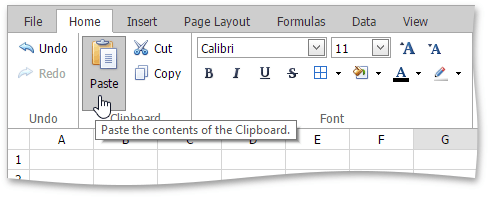
In the Clipboard group within the Home tab , click the Paste button (or press CTRL+V or SHIFT+INSERT).