Format Cells
The Spreadsheet provides the capability to format cells and the data they contain.
To format a cell or a range of cells, follow the instructions below.
- Select the cells you wish to format.
-
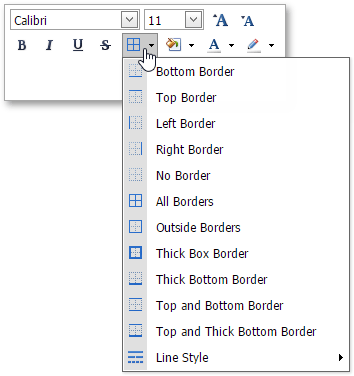
To add borders to the selected cells, in the Font group within the Home tab, click the Borders button’s drop-down menu and select the border type. This menu also allows you to select the line style and the line color of borders.
-
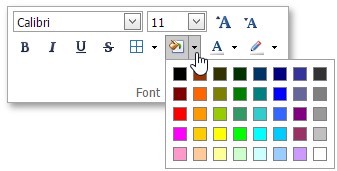
To set the background color of the selected cells, in the Font group within the Home tab, click the Fill Color button’s drop-down menu and select the desired color.