Modify Video Settings in HTML Editor
To modify video element settings within editor content, do one of the following.
- Double-click the video element.
-
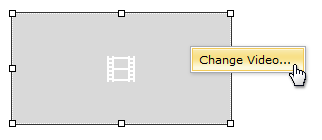
Right-click the video element and select Change Video… within the invoked context menu.
-
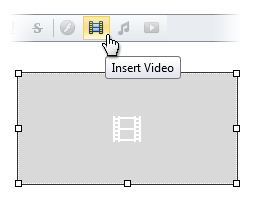
Select the video element and click the Insert Video button.
The opened Change Video dialog allows you to modify video element settings. More detailed information is available in the Insert a Video Into HTML Editor section.