Work with Dropdown Editors
Open Editor’s Dropdown
- Focus the editor and press ALT+DOWN ARROW or ALT+UP ARROW .
-
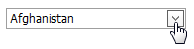
Click the editor’s dropdown button.
Close Editor’s Dropdown
For all editors providing a dropdown, you can close the dropdown by pressing ALT+DOWN ARROW, ALT+UP ARROW or ESC.
Dropdowns displaying lists of items can be closed by clicking on an item with a mouse, or by selecting an item with a keyboard and pressing ENTER.
Filter Editor’s Dropdown Content
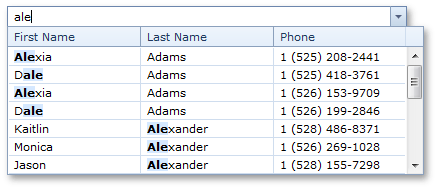
To filter data within a dropdown, type the filter condition within an editor. Note that the filter is used after the minimum number of characters has been typed within an editor.