Page Navigation
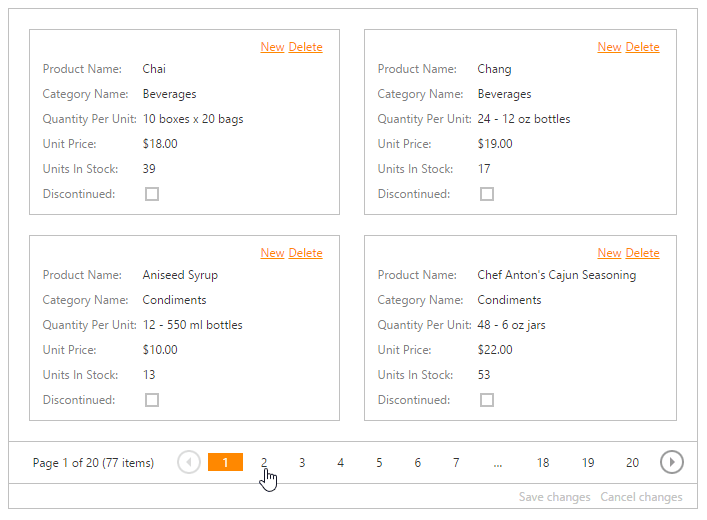
To switch between pages, use the CardView’s pager:
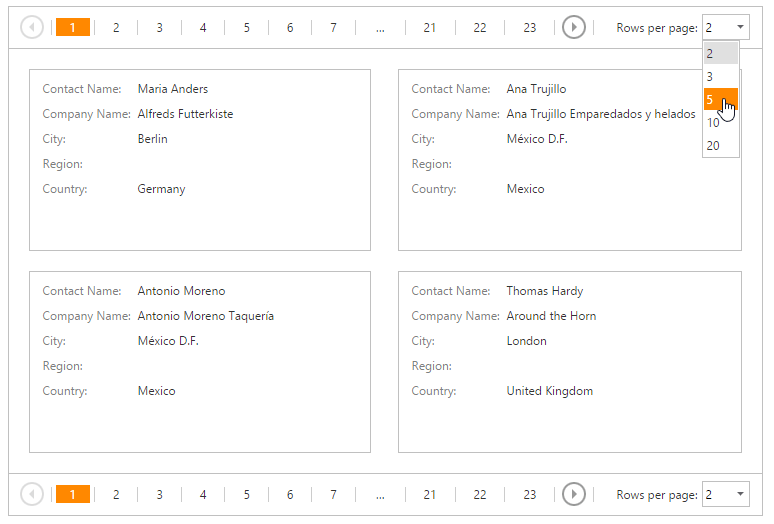
To change the number of data items (cards) displayed on one page, click the page size selector and select the required number of rows per page.
To switch between pages, use the CardView’s pager:
To change the number of data items (cards) displayed on one page, click the page size selector and select the required number of rows per page.