Hide and Display Tree List Columns
Hide Columns
Do one of the following:
-
Click a column header and drag it outside the header panel, until the cursor changes its image to the big ‘X’. Then drop the header.
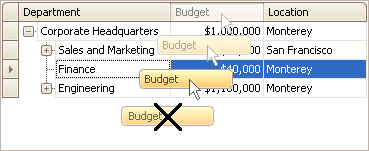
-
Drag and drop a column header onto the Customization Form if it’s open (see below).
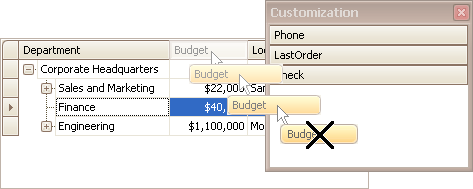
Display Hidden Columns
-
Open the Customization Form by right-clicking a column header and selecting Column Chooser.
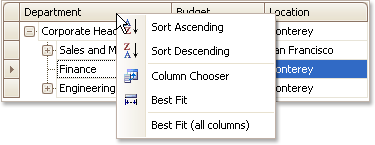
The Customization Form will be displayed listing hidden columns (if any).
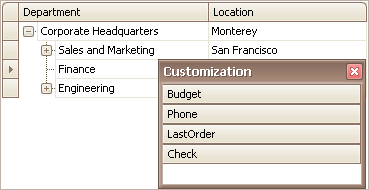
-
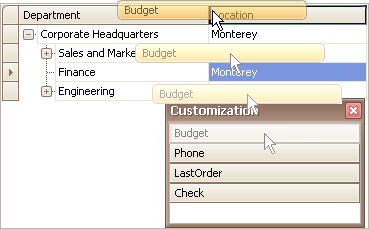
Drag the required column from the Customization Form onto the column header panel and drop it at the required position.