Open Toolbar Customization Window
Opening the Customization window activates the customization mode where you can:
- Rearrange, hide and display bar commands.
- Change display options of bar commands.
- Hide bars, etc
To open the Customization window, do one of the following:
-
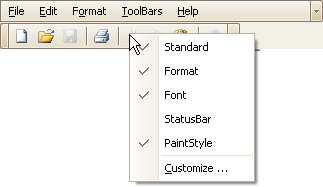
Right-click any bar or the empty space, and select Customize…
-
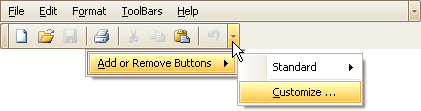
Click the dropdown button displayed at the right edge of any bar. Then select Add or Remove Buttons and then Customize…
-
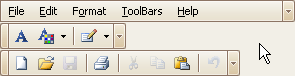
Double-click the empty space, not occupied by any bar.
The Customization window will be opened, containing three tabs:
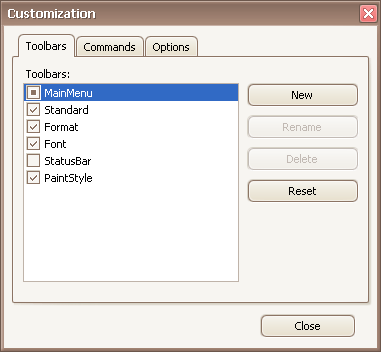
The Toolbars tab allows you to hide specific bars and display hidden ones.
The Commands tab allows you to access bar commands and add them to bars.
The Options tab allows you to control options affecting the display of menus and bar commands.