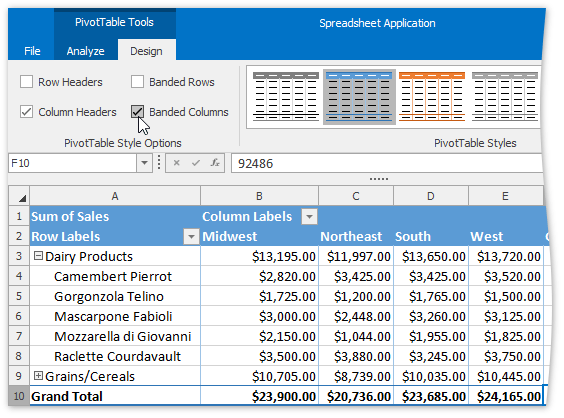
Apply a Predefined Style to a Pivot Table
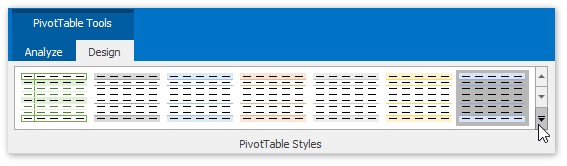
You can change the appearance of a pivot table using one of the predefined pivot table styles. Select the desired style from the PivotTable Styles gallery on the PivotTable Tools | Design tab and it will be automatically applied to the report.
| Additionally, you can specify whether to apply style formatting to the row and column headers or to show the banded rows and columns. To do that, on the PivotTable Tools | Design tab, in the PivotTable Style Options group, select or clear the corresponding check box. |