Choose columns
On this wizard page, you can select required columns and specify their settings.
To select a column, enable the corresponding Selected check box. Use Name to specify the custom column name and Type to choose the column type.
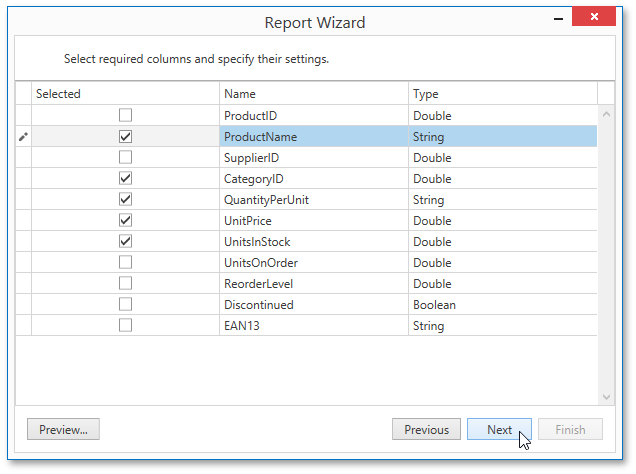
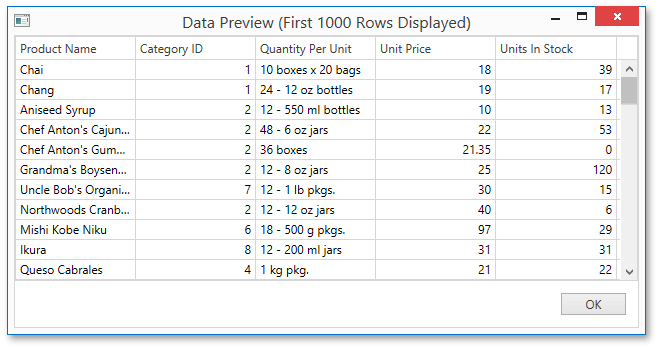
This page also allows you to preview the resulting data by clicking the Preview… button.
Click Next to proceed to the next wizard page: Choose Columns to Display in a Report.