Report Wizard
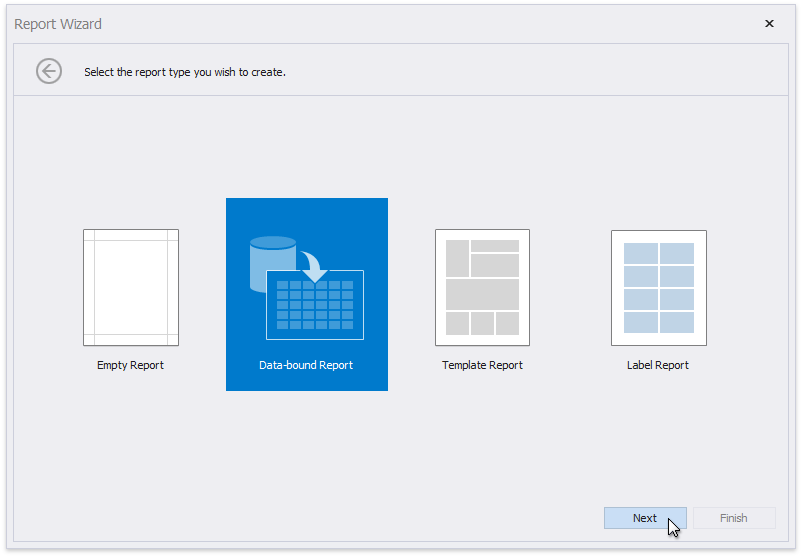
The Report Wizard allows you to add a report using one of the following templates:
-
Creates a new blank report that is not bound to a data source.
-
Allows you to connect the created report to a data source and configure basic report layout settings (optional).
-
Enables you to create a new report based on available predefined templates.
-
Allows you to select from different customizable layouts to create labels, badges or price tags.
Run the Report Wizard
Use one of the following ways to invoke the Report Wizard.
-
Create a new report
Use the New Report via Wizard command to create a new report based on a Report Wizard template.
-
Edit an existing report
Click the report’s Smart Tag and then the Design in Report Wizard… context link in the invoked actions list.
[!Note] The new report layout overrides the initial report layout.
Report Wizard Pages
Choose a report template on the first wizard page (see above). The wizard provides the following page series for each report template: