Create a Table of Contents
This tutorial describes the steps to create a report with a table of contents. A table of contents is automatically created based on the bookmarks existing in a report.
To create a table of contents in a report, do the following.
-
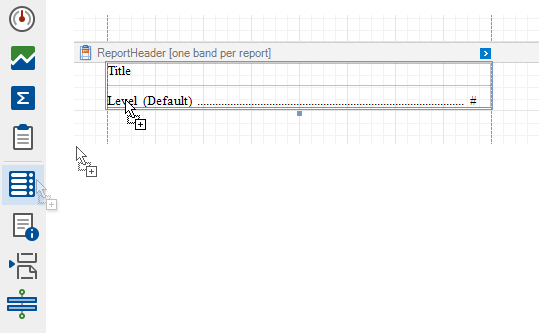
From the Control Toolbox, drop the Table of Contents control onto the Report Header band.
-
Double-click the title of the table of contents and specify its text.

-
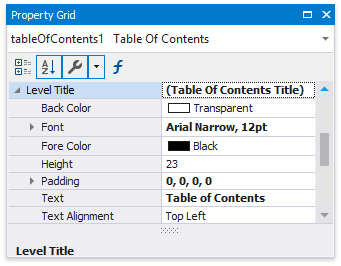
To customize the title appearance, use the Level Title option’s settings available in the Properties window.
-
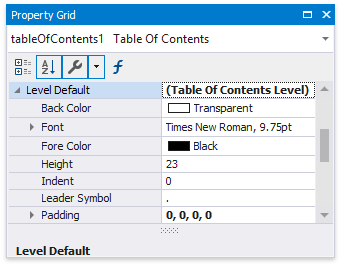
To customize the appearance of all other levels, use the Level Default option’s settings.
-
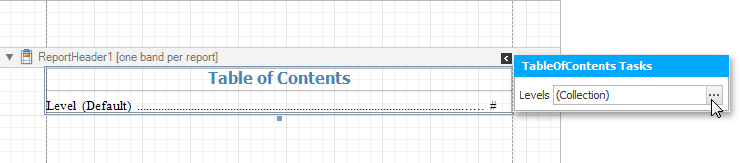
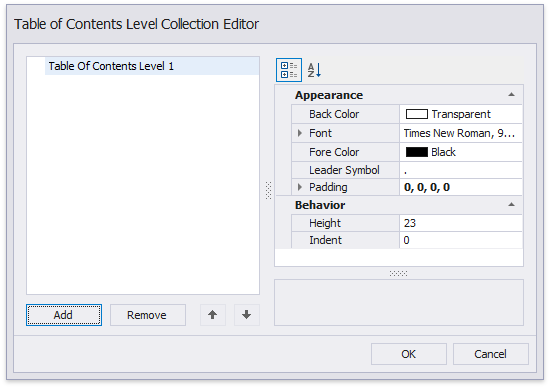
To customize a specific level individually, add a corresponding item to the Levels collection of the table of contents and customize its properties.
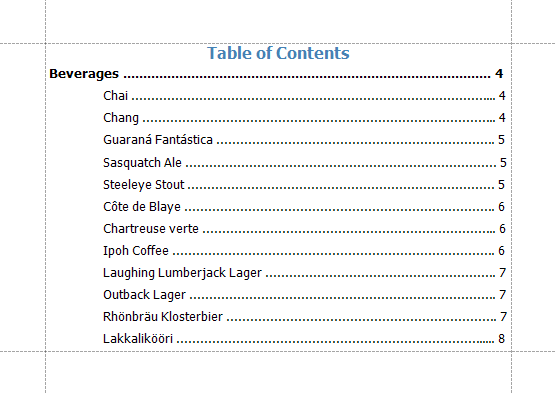
The following image demonstrates the result in Print Preview: