Load a Print Preview from a File
To open a previously saved document, do one of the following.
- Click the Open
 button on the toolbar.
 -
On the menu, click Open.
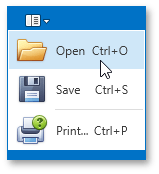
- Press CTRL+O.
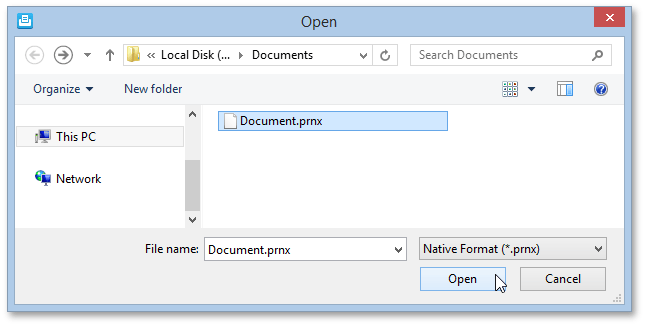
In the invoked Open dialog, select the required file and click Open.
[!NOTE] If you open a document which was previously saved to the hard drive, it is impossible to change its page settings (e.g., page size, orientation, margins, etc.). So, the Page Setup and the Scale buttons will be disabled.