Copying to the Clipboard
Besides exporting a document to a third-party formatted file, you can copy a portion of the document content to the clipboard, and paste it into an editor compatible with one of the supported third-party formats.
To copy document content to the clipboard, do the following.
-
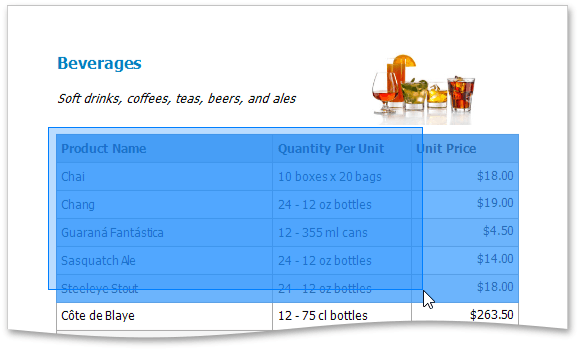
Select the content of the previewed document by holding down the left mouse button and dragging the mouse pointer. The selected document elements are highlighted.
-
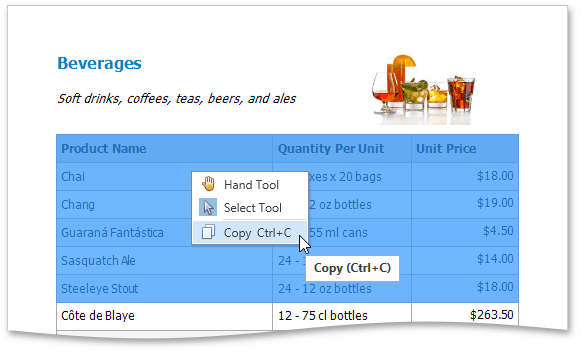
To copy the selected content, press CTRL+C or right-click anywhere within the highlighted area of the document, and select Copy in the context menu.
When pasted to a third-party editor from the clipboard, the report content will automatically be converted to the target format.