Select Cells in Pivot Tables
Multiple cells can be selected simultaneously, and their contents can then be copied to the clipboard. This topic shows how.
Select Cells and Clear the Current Selection
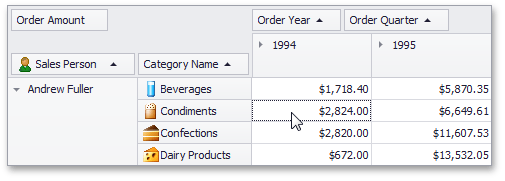
To select a single cell, do one of the following:
-
Click the cell.
-
Focus the cell using the ARROW keys.
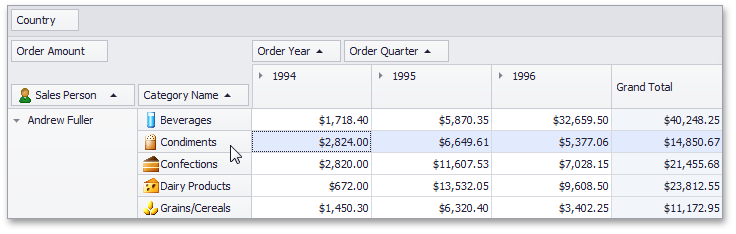
To select a row or column of cells, click the appropriate header:
To select a continuous range of cells, do one of the following:
- Use ARROW, PAGE UP, PAGE DOWN keys while holding the SHIFT key down.
-
Press the mouse button over the starting cell and drag the mouse cursor towards the ending cell. Then release the mouse button.
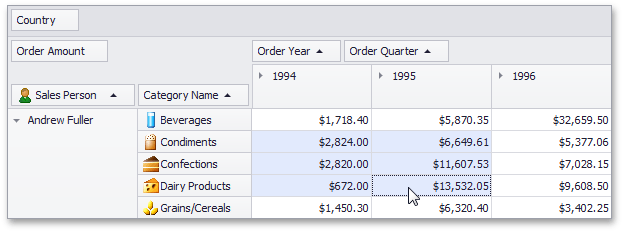
- Click the starting cell. Then click the ending cell while holding the SHIFT key down.
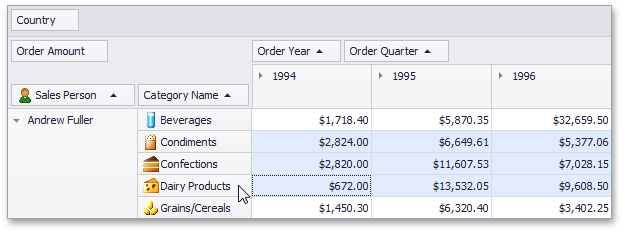
To select a continuous range of columns or rows, do one of the following:
-
Press the mouse button over the starting column/row header and drag the mouse cursor towards to the ending column or row header. Then release the mouse button.
-
Click the starting column or row header. Then click the ending column/row header while holding the SHIFT key down.
To select all the cells, press CTRL+A.
Select Cells While Preserving the Current Selection
Hold the CTRL key down while selecting cells.
Copy Selected Cells to the Clipboard
Press CTRL+C or SHIFT+INS.