Select and Copy the Document Content
The PDF Viewer provides for selecting and copying text from the selectable document to the clipboard.
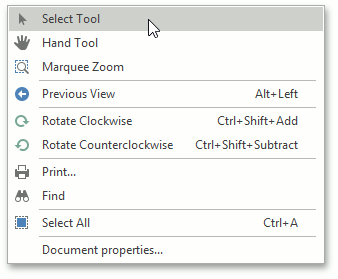
To enable the selection mode, invoke the context menu and choose the Select Tool item. This mode is active by default.
To copy an image:
-
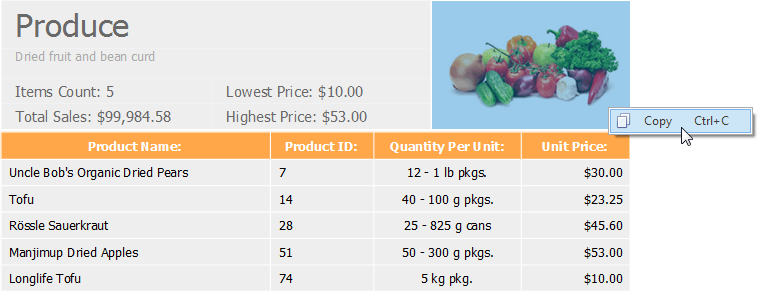
select the image or any part of an image;
-
right click the image and select the Copy command in the context menu, or press Ctrl+ C;
- paste the image into a desired application by choosing the Past command in the context menu, or pressing Ctrl+V.
To copy text:
-
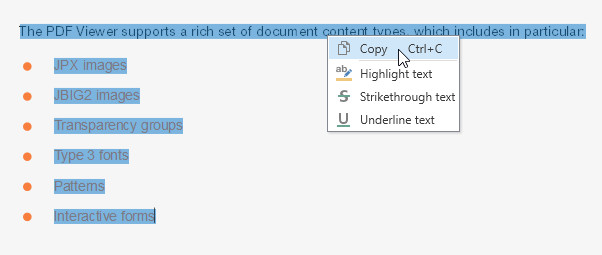
highlight the text you desire;
-
choose the Copy command in the context menu, or press Ctrl+C;
- paste the content into an application.
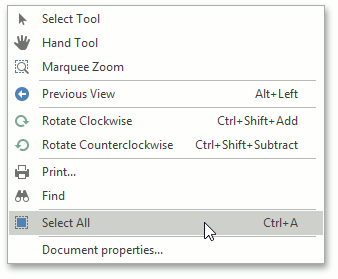
To select all the text in a document for copying, invoke the context menu and choose the Select All  command, or press Ctrl+A.