Print Documents
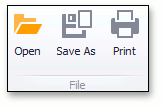
To print the current document, click the Print command located on the File toolbar button group, or press CTRL+P.
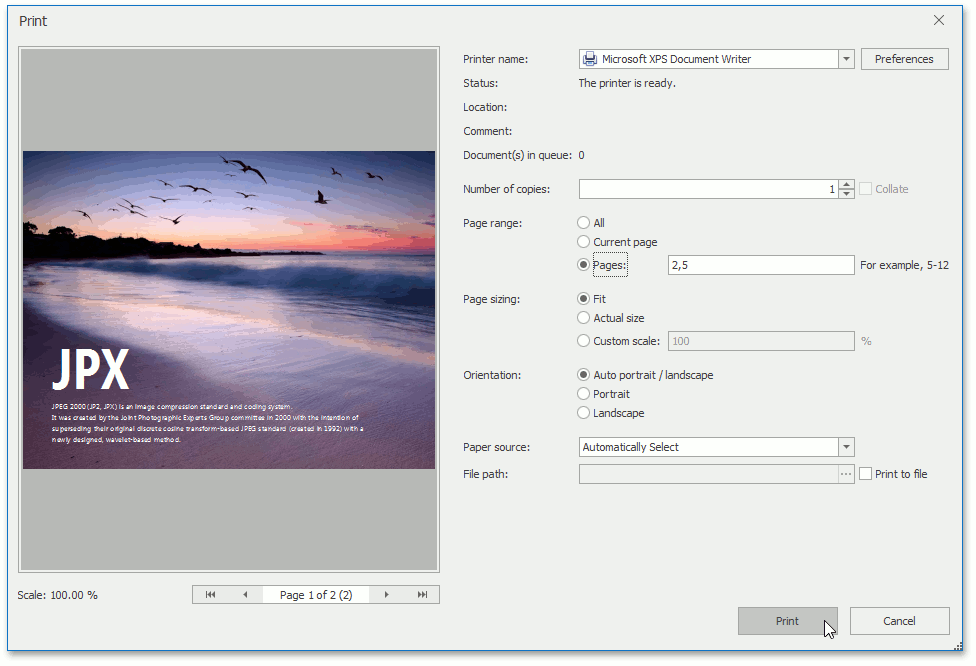
In the invoked standard Print dialog, choose the printer, specify the printing parameters and click Print.
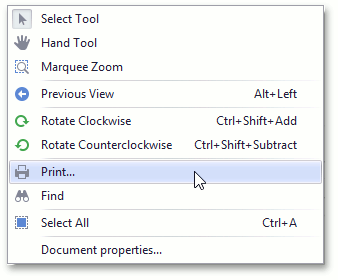
Alternatively, to invoke the Print dialog, right-click the document area and select the Print…  item in the context menu.