Expand and Collapse Rows and Cards in Grids
Expand/Collapse Group Rows in Grid Views
To expand/collapse a group row, do one of the following:
-
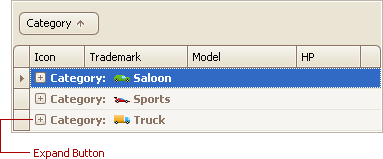
Click the row’s expand button:
- Double-click the group row.
-
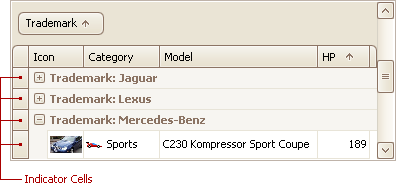
Double-click the indicator cell corresponding to the group row:
- Focus the group row and press PLUS (to expand the row) or MINUS (to collapse the row).
- Focus the group row and press RIGHT ARROW (to expand the row) or LEFT ARROW (to collapse the row).
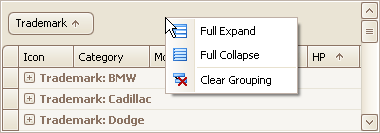
To expand or collapse all group rows, right-click the group panel at the top of the control. This opens the group panel context menu. Then select Full Expand or Full Collapse respectively:
Expand/Collapse Master Rows in Grid Views
To expand/collapse a master row, do one of the following:
-
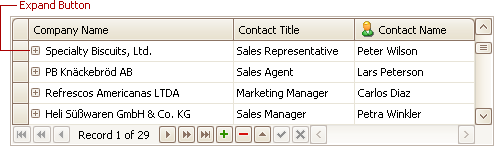
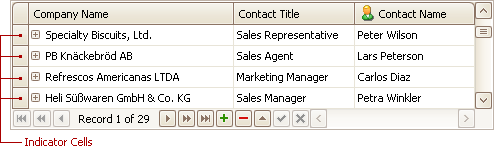
Click the master row’s expand button:
-
Double-click the indicator cell corresponding to the master row:
-
Focus the master row and press CTRL+PLUS (to expand the row) or CTRL+MINUS (to collapse the row).
Expand/Collapse Cards in Card and Layout Views
Do one of the following:
-
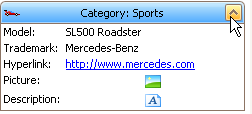
Click a card’s Expand button:
-
Click a card’s caption and press PLUS (to expand the card) or MINUS (to collapse the card).