Chart Page
Tasks
- Define a chart’s background color and background image.
Page Elements
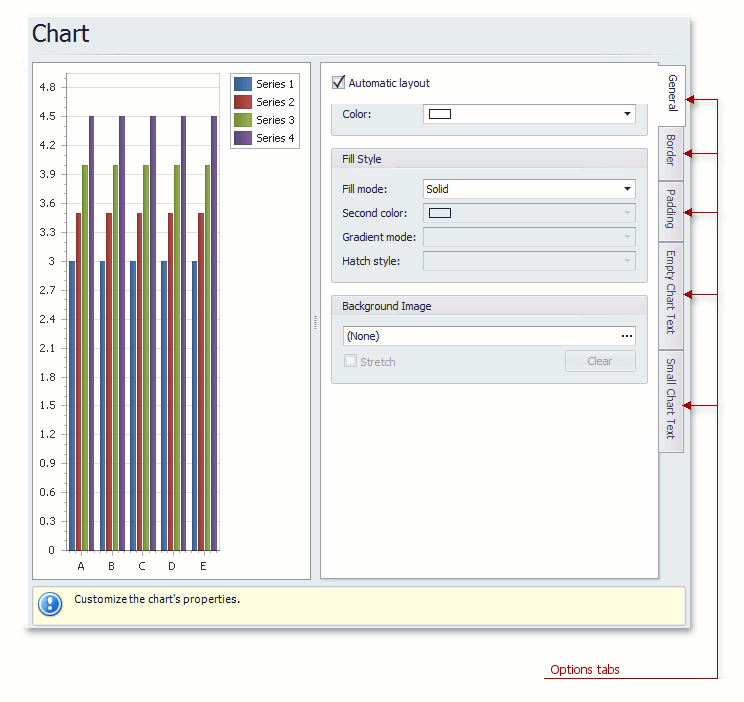
Chart preview area
Previews a chart’s layout.
Options tabs
The following tabs are available on this page.
-
General
Specifies a chart’s automatic layout, chart background color, fill style and background image.
-
Border
Specifies a border’s color, thickness and visibility.
-
Padding
Specifies the diagram’s inner indents.
-
Empty Chart Text
Specifies the message displayed in the chart when there’s no data to display.
-
Small Chart Text
Specifies the message displayed in the chart, when the chart size is too small to fit the diagram.