Interactivity
This topic describes features that enable interaction between the Pie and other dashboard items. These features include Master Filtering and Drill-Down.
Master Filtering
The Dashboard allows you to use any data aware dashboard item as a filter for other dashboard items (Master Filter). To learn more about filtering concepts common to all dashboard items, see the Master Filtering topic.
The Pie dashboard item supports filtering by argument or series values.
-
Filtering by Arguments
When filtering by arguments is enabled, you can click a pie segment to make other dashboard items only display data related to the selected argument value.
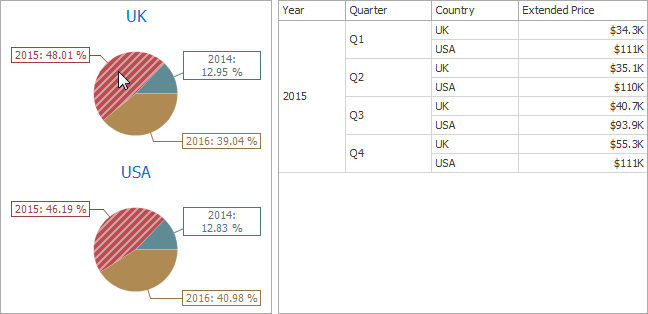
-
Filtering by a Series
When filtering by a series is enabled, you can click a pie to make other dashboard items display only data related to the selected pie.
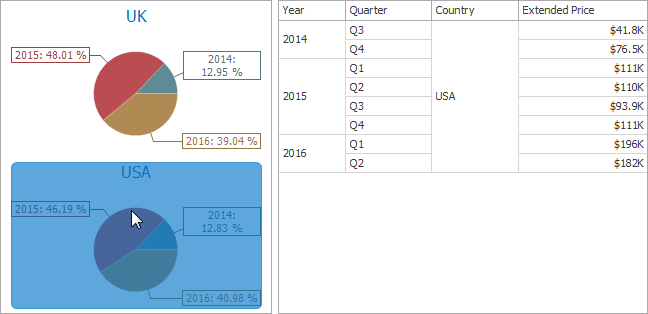
-
Filtering by a Points
When filtering by points is enabled, an you can click a single pie segment to make other dashboard items display only data related to the selected segment.
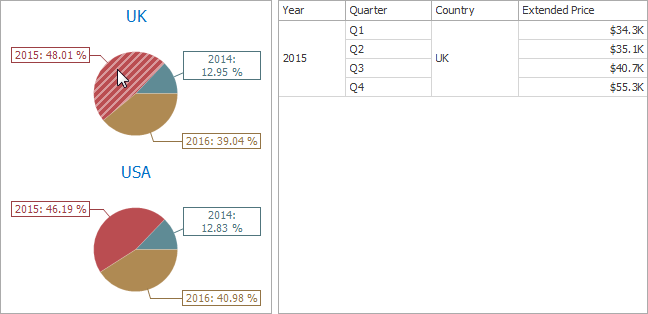
To reset filtering, use the Clear Master Filter button (the  icon) in the caption area of the Pie dashboard item, or the Clear Master Filter command in the context menu.
Drill-Down
The built-in drill-down capability allows you to change the detail level of data displayed in dashboard items on the fly. To learn more, see Drill-Down.
The Pie dashboard item supports drill-down on argument or series values.
-
Drill Down on Arguments
When drill-down on arguments is enabled, you can click a pie segment to view a detail diagram for the corresponding argument value.
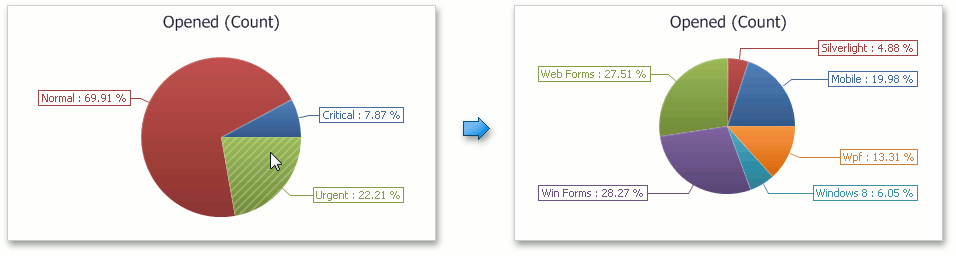
[!NOTE] When Filtering by Arguments is enabled, you can view the details by double-clicking a pie segment.
-
Drill-Down on a Series
When drill-down on a series is enabled, you can click a pie chart to view a detail diagram for the corresponding series value.
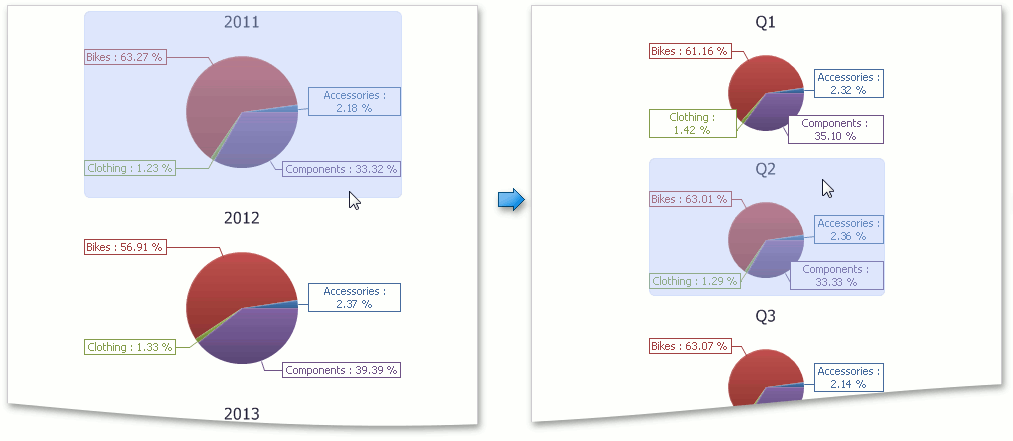
[!NOTE] When Filtering by Series is enabled, you can view the details by double-clicking a pie chart.
To return to the previous detail level (drill-up), use the Drill Up button (the  icon) in the caption area of the Pie dashboard item, or the Drill Up command in the context menu.